
Pro tool · 3D online gallery
Virtual exhibition maker — walk collectors through your show
Hang your paintings on real gallery walls, in a room people can actually walk through. Send one link and a collector, curator or gallerist sees your work at scale, in sequence, the way it would hang in a space — no headset, no software, no install.
Now showing
Field Notes
A DigitalEyezz demo exhibition

Field Study I
Oil on linen · 120 × 90 cm · 2025
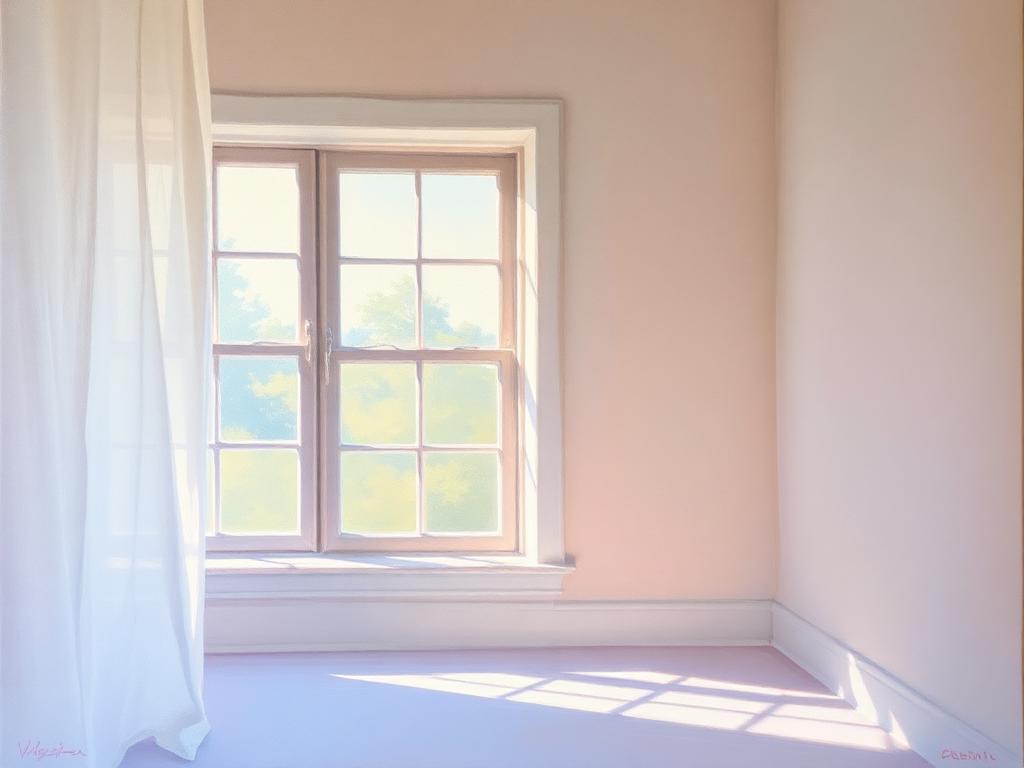
Quiet Hour
Oil on canvas · 100 × 80 cm · 2024

Interior, North Light
Acrylic on board · 60 × 45 cm · 2025
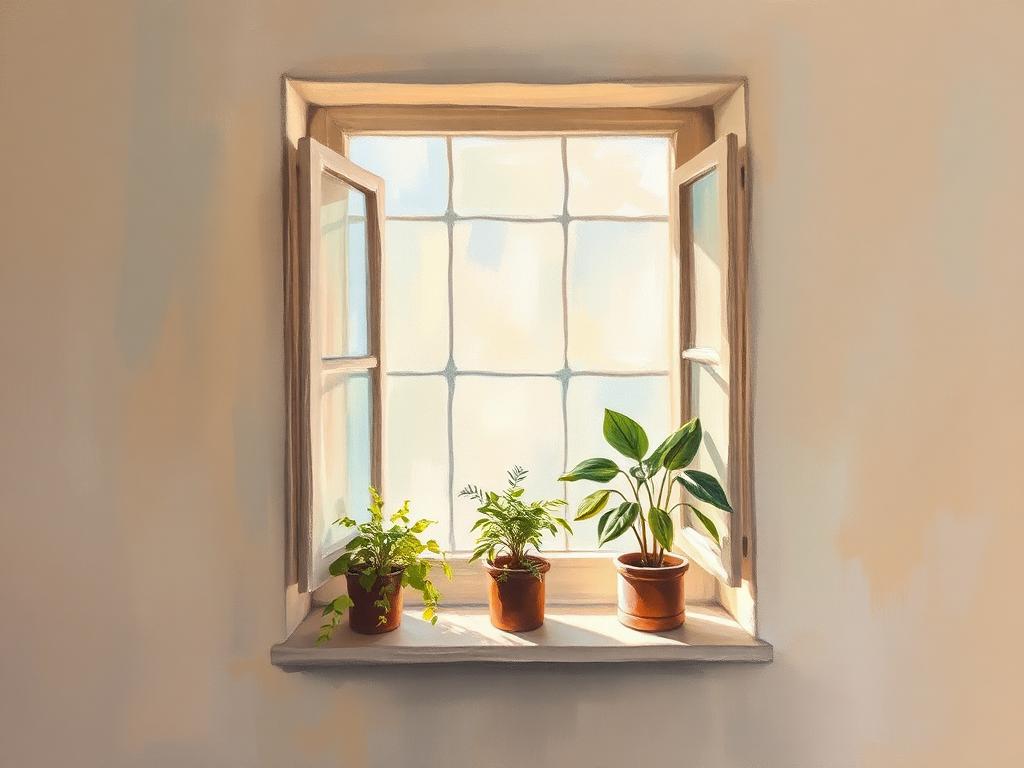
Studio Window
Oil on linen · 90 × 70 cm · 2024

Untitled (Folds)
Charcoal on paper · 76 × 56 cm · 2025

Coastline
Watercolour · 40 × 30 cm · 2024
Tap the floor to walk · tap a painting to view it · drag to look
Demo room — free to explore. Tap a painting to view it, tap the floor to walk, or press Start guided tour.
Your exhibition
Hang your own artworks.
Checking your plan…
How it works
Three steps to an online show.
- 01
Upload your artworks
Add images and the details — title, medium, dimensions, year. Each piece gets a museum-style wall caption.
- 02
Name the exhibition
Your show title appears on the back wall, exactly like a gallery's vinyl lettering.
- 03
Walk the room
Drag to look, walk with the keyboard, and preview the hang before you commit to a physical space.
FAQ
Virtual exhibition questions
- What is a virtual exhibition?
- A virtual exhibition is a 3D online gallery room where your artworks hang on walls and the visitor walks through the space instead of scrolling a grid. It gives collectors a sense of scale, sequence and curation that a flat portfolio cannot.
- Do I need special software or a headset?
- No. The virtual exhibition runs in any modern browser on desktop, tablet and phone. Drag to look around, use W/A/S/D or the arrow keys to walk, and scroll to move forward.
- Can I use my own paintings?
- Yes. Upload your own images and each one is hung on the gallery wall with a museum-style caption showing title, medium, dimensions and year.
- Is the virtual exhibition tool free?
- The walkthrough demo room is free to explore. Building a virtual exhibition with your own artworks is a Pro feature, included in the $18/month and $180/year plans alongside watermark-free PDF exports.